After updates bluetooth sound stops running very frequently. “rfkill” shows bluetooth is now blocked. bluetooth manager shows a red X.
“rfkill unblock bluetooth” unblocks bluetooth. After a reboot bluetooth sound starts again. The stopping of bluetooth has been correlated to the install of any new broadcom module. A broadcom module update seems, strangely, to be almost a daily occurrence.
Questions are:
Why does update of a broadcom module “block” bluetooth?
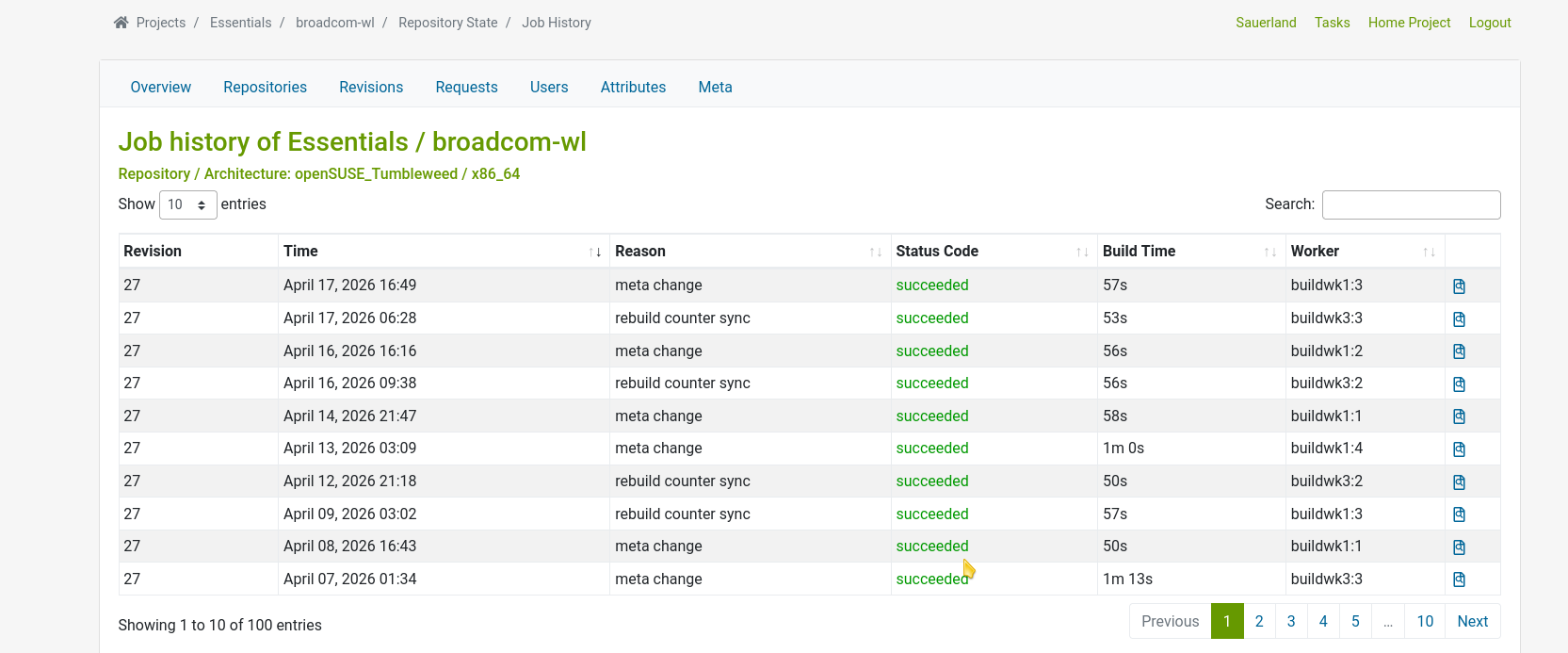
Why is a broadcom module in the updates almost daily, i.e., 4 of the last 5 days in recent history?
And just to prove me wrong, there was another broadcom module updated today and bluetooth kept working. There was no reboot required by this update. FYI the network card on my ASUS mb is by broadcom.
I guess my correlation was inaccurate. I thought the info might help anyone else with frequent bluetooth issues but now maybe not.
Still don’t know why there is a broadcom update nearly every day. They can’t be doing that much work on their code. I think they are, somehow, getting their nightly builds into packman repo as an update
I think I found the smoking gun regarding broadcom. broadcom installs do kill my bluetooth nearly every day: requiring a reboot. Fragment from “sudo zypper dup” below:
The following NEW package is going to be installed:
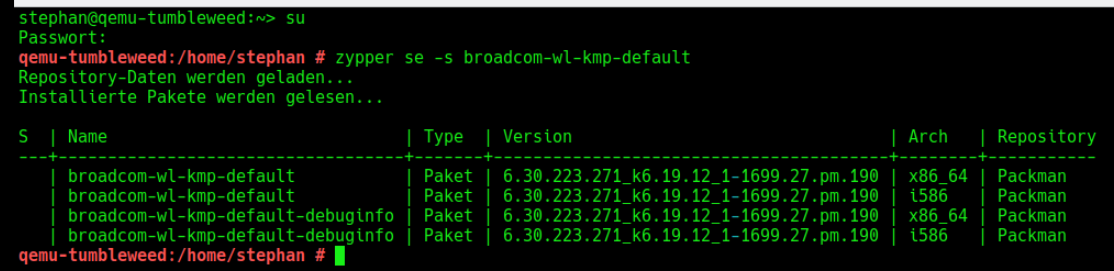
 broadcom-wl-kmp-default-6.30.223.271_k6.19.12_1-1699.27.pm.190

The following package is going to be REMOVED:
 broadcom-wl-kmp-default-6.30.223.271_k6.19.12_1-1699.27.pm.189
If “pm.190” and “pm.189” refer to nightly builds then that is what might be causing updates of this package nearly daily. It is removing and reinstalling nearly every day.
I searched for a packman forum to post this and AI returned the following saying that openSUSE forum was the place to post this as they maintain packman.
The **Packman repository** is a third-party repository for openSUSE that provides **patented codecs** and multimedia packages not included in the main repositories due to licensing restrictions. Users can access community discussions, troubleshooting guides, and official instructions on the **openSUSE Forums** (forums.opensuse.org) and the **r/openSUSE Wiki** on Reddit, which detail how to add, manage, and update the repository.
(base) tom@mydesktop: ~ $ zypper in -f broadcom-wl-kmp-default
Root privileges are required to run this command.
(base) tom@mydesktop: ~ $ sudo zypper in -f broadcom-wl-kmp-default
Refreshing service 'openSUSE'.
Loading repository data...
Reading installed packages...
Forcing installation of 'broadcom-wl-kmp-default-6.30.223.271_k6.19.12_1-1699.27.pm.190.x86_64' from repository 'Packman Repository'.
Resolving package dependencies...

The following package is going to be reinstalled:
  broadcom-wl-kmp-default-6.30.223.271_k6.19.12_1-1699.27.pm.190

1 package to reinstall.

Package download size:     1.4 MiB

Package install size change:
            |       1.4 MiB  required by packages that will be installed
       0 B  |  -    1.4 MiB  released by packages that will be removed

Backend:  classic_rpmtrans
Continue? [y/n/v/...? shows all options] (y):