alsamixer gives this:

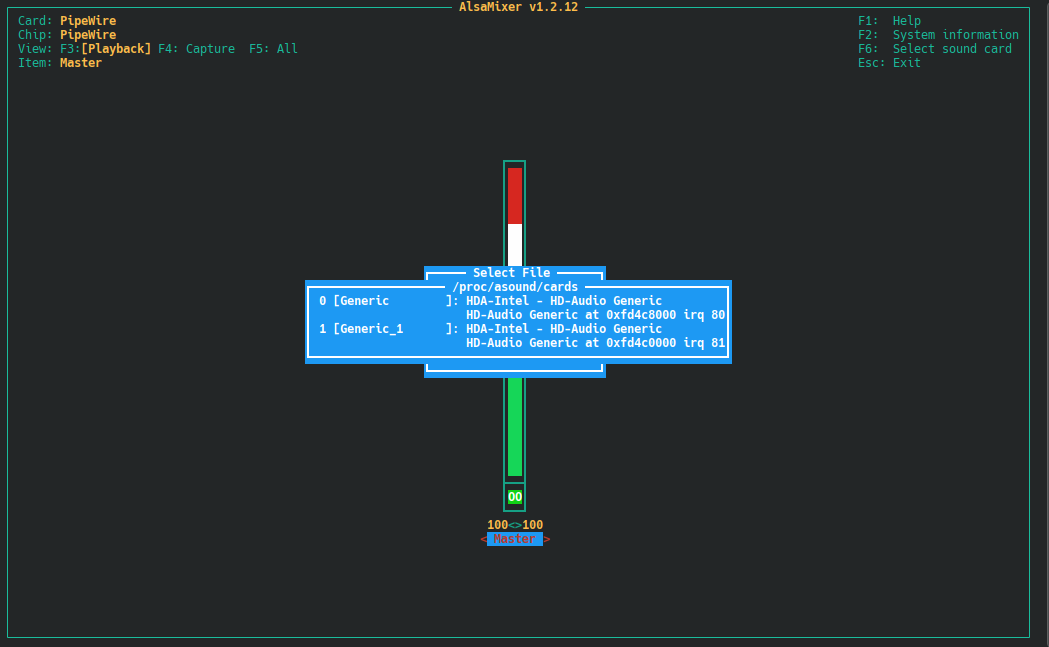
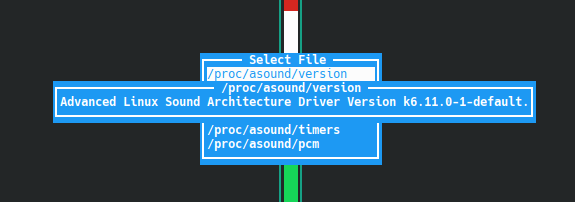
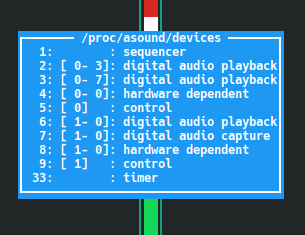
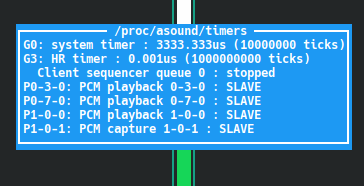

In alsamixer choose “Card 1” (should be the analog ALC one) and check that all relevant volumes are as expected.
BTW, weird that the ACP/ACP3X/ACP6x Audio Coprocessor still sees no driver module 
@OrsoBruno It should, that looks like a bug to me…
In /proc/asound/cards? I cannot choose there, it just displays, but do not let to choose from.
PS Ah, OK, from the F6 menu…
No, in the first screen, “Sound Card”, scroll down and choose “default:1”
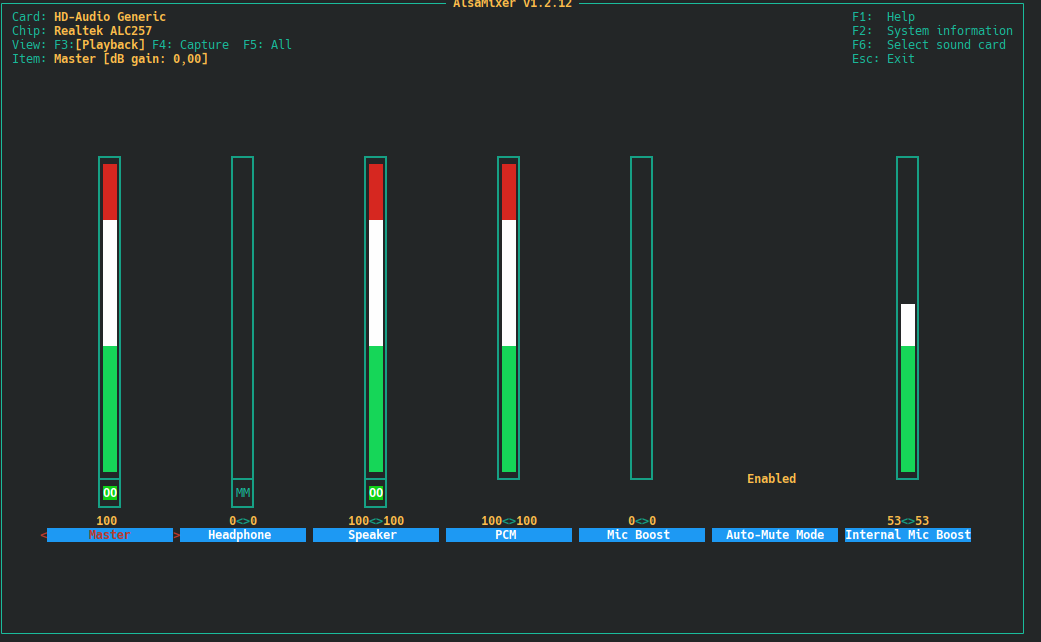
It’s same as it was, the quality is way lower, than on Windows. No bass at all (yes, the internal speakers can a bit of bass and a lot of middles). Sound is flat.
alsamixer looks normal, “no bass at all” is no surprise in a laptop, the ALC257 seems working.
A simple way to check the frequency response is playing some known music with deadbeef player, which includes a graphic equalizer (check “View” > “Equalizer”).
Try to boost by 6 - 10 dB all the sliders marked 55 77 110 156 Hz, possibly even 220 Hz.
Decrease the “preamp” slider if you meet excessive distortion.
If you find an “acceptable” setup maybe we are on the right route.
BTW, does that laptop have sort of a subwoofer, extra bass speaker or such, or just the two tiny speakers on the sides?
No, it does not. But in Windows Youtube videos ot Yandex.Music have much richer sound. The last one has a build-in EQ. I will try to record videos, if there can be heard the difference.
Videos from Linux and Windows. You can clearly hear the difference…
From a technical point of view, the first one (21-14-30, openSUSE?) shows more bass energy and less high frequency articulation / components, the second one (21-22-59, Win*?) looks as if it has been somewhat processed in the mid-high components (see the attached spectrograms).
But the short sample , the Yandex embedded equalizer and the distortion of the recording phone do not allow any real troubleshooting on a technical basis at this point IMHO.
Which “sounds better” is a matter of personal preference (and I do not know how the original track is really meant to sound).
What I can say is that the Linux sound you get may not appeal to you but doesn’t seem “broken” from a technical point of view.
It seems clear that the Win* drivers have been tweaked by the manufacturer to fill the gaps of the basic HW design and if you want the same performance on Linux somebody has to do that work again and devise a suitable configuration; maybe that also includes a contribution from the “Audio Coprocessor” that apparently refuses to engage its kernel driver module at the moment, but the latter is pure speculation on my side.
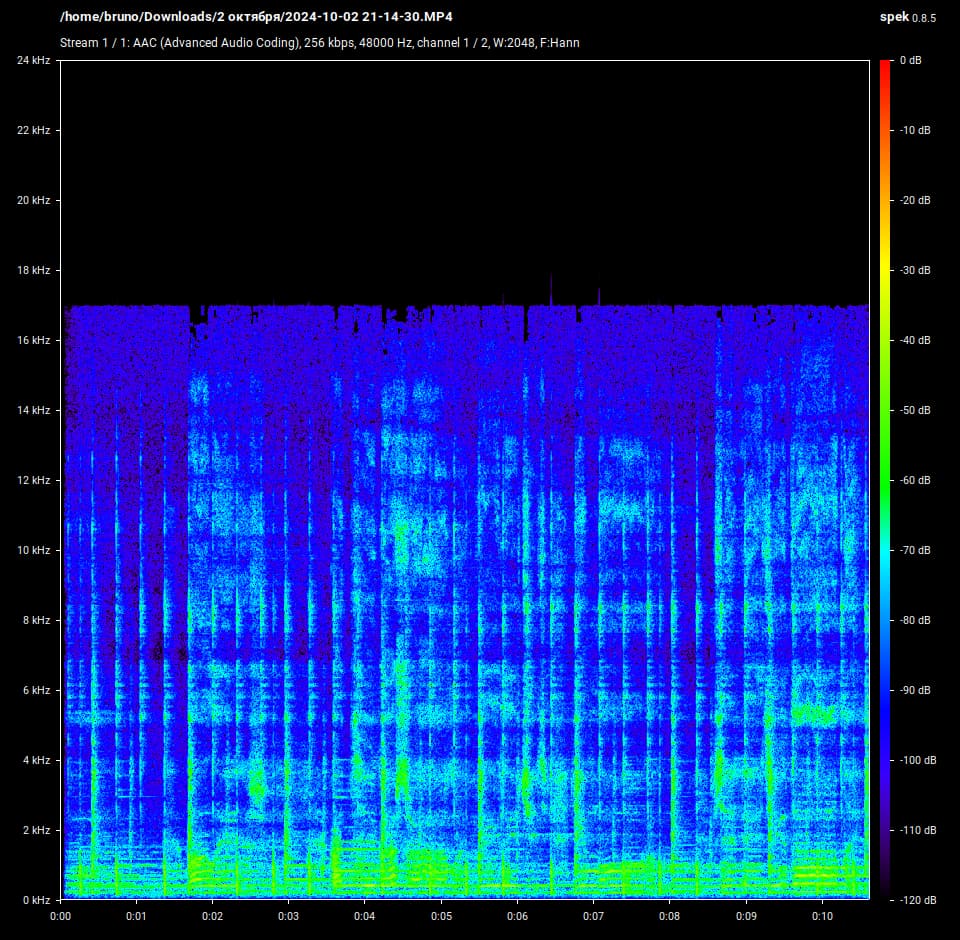
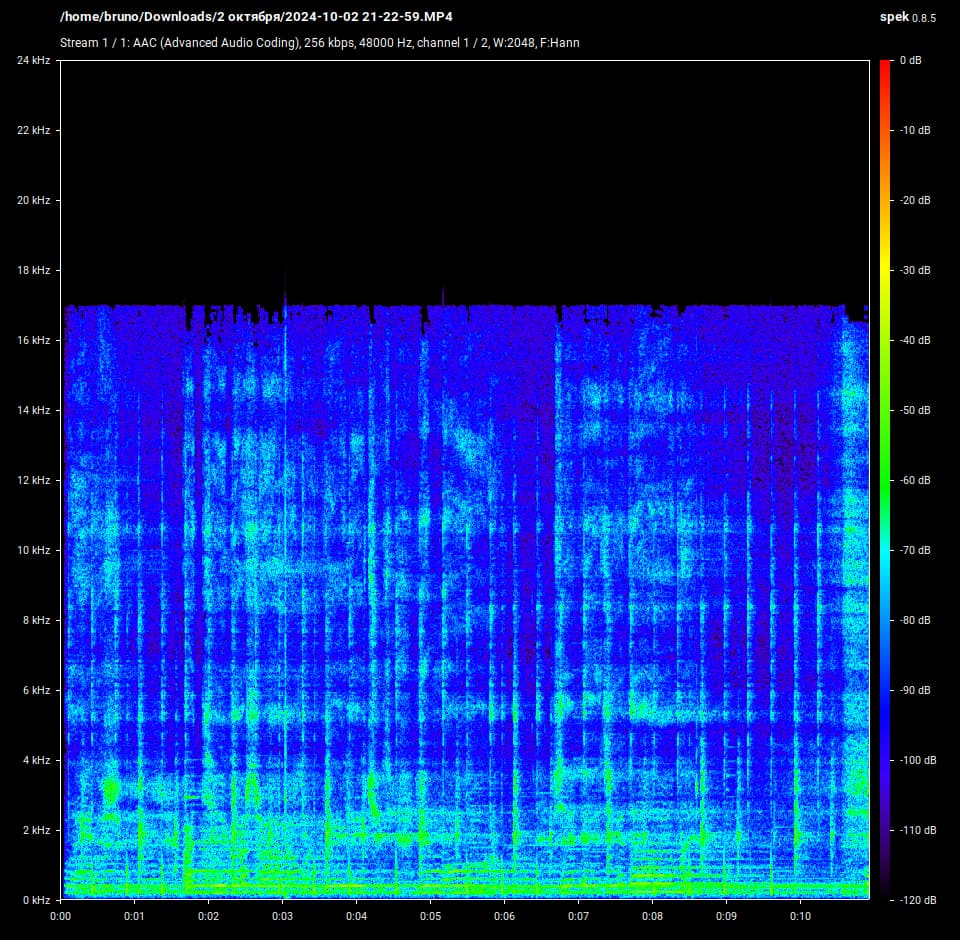
I have renamed the files, so it is now clear where is what.
Old naming:
21-14-30 - openSUSE
21-22-59 - Win10
The page suggests the notebook has some sort of Dolby. But I have not seen anything about Dolby in Windows settings. I will now try to install the driver from Lenovo (on Windows), maybe then it will appear.
Speakers
Stereo speakers, 1.5W x2, Dolby Audio™
https://psref.lenovo.com/Detail/IdeaPad/IdeaPad_3_17ABA7?M=82RQ000RUS
I’m ready to make all needed from my side to get the “Audio Coprocessor” to work.
If needed I can give access to the notebook via Rustdesk (Anydesk, Teamviewer, whatever). Linux is installed for testing purposes only (sadly Linux is not yet ready I can 100% migrate to Linux), so if something breaks it is not any big or small deal at all.
Here is the Windows driver. the .exe is an archive.
Inside are indeed some xml files with EQ presets, as I understand it (I have took some random file):
<band_20_freq fs_44100=“43,129,215,301,431,603,775,947,1206,1550,2067,2756,3618,4651,5685,7063,8958,11025,13781,18777” fs_48000=“47,141,234,328,469,656,844,1031,1313,1688,2250,3000,3750,4688,5813,7125,9000,11250,13875,19688”/>
<ieq_detailed target=“150,142,188,216,189,195,202,199,210,225,230,236,235,235,214,165,112,49,-24,-217”/>
<ieq_balanced target=“157,167,218,218,203,188,192,192,205,213,218,209,193,159,134,97,71,22,-90,-283”/>
<ieq_warm target=“114,146,183,169,170,128,103,90,98,126,127,140,96,85,80,66,38,-32,-132,-275”/>
<array_20_n192 target=“-192,-192,-192,-192,-192,-192,-192,-192,-192,-192,-192,-192,-192,-192,-192,-192,-192,-192,-192,-192”/>
<array_20_zero target=“0,0,0,0,0,0,0,0,0,0,0,0,0,0,0,0,0,0,0,0”/>
I have made a zip archive if someone is interested to take a look at those xmls.
They all are in
\RealtekAudio\20240310.00424847\Source\ThirdParty\D0427\ext_lenovo_AIO_rtk_20h1_21h2_22h2_v8.426.733.17 folder
https://1drv.ms/u/s!Av2nuidly48bmuk_bBFHHd19oab3sQ?e=qoJGdT
I have Device HDAUDIO\FUNC_01&VEN_10EC&DEV_0257&SUBSYS_17AA39DC&REV_1000\5&1b744a64&0&0001
So “my” xml file is: DEV_0257_SUBSYS_17AA39DC_PCI_SUBSYS_385117AA.xml
An Ideapad of a friend I have on hand ATM has indeed a Dolby app with presets for Voice, Music, Movies and a parametric equalizer, maybe that app takes advantage of the Audio Coprocessor. But I too saw nothing relevant in Windows settings.
There is a chance that the Audio Coprocessor is linked with the array microphone on the laptop lid and if so may be unrelated to the problem discussed here.
Several findings over the net, see for instance this

Exactly that, it looks “active” and with “Surround Virtualizer” engaged, that may account for much of the “richer sound” sensation with Win*
In principle something similar is possible with Linux (pipewire is quite powerful and flexible) but the knowledge and work needed to devise a suitable configuration is non trivial.
The graphic equalizer in deadbeef (“zypper in deadbeef” if you have the Packman repo active) or EasyEffects are easier ways to do some tinkering.
1 Like
Returning to the missing coprocessor driver, what is the result of:
lsmod | grep acp6x
if no output, try:
modprobe snd_pci_acp6x
if no error, try again
lsmod | grep acp6x
and post the result here if any.
If still no luck, check if the “Product” code shown by
inxi -M
is included in acp6x-mach.c like in
	{
		.driver_data = &acp6x_card,
		.matches = {
			DMI_MATCH(DMI_BOARD_VENDOR, "LENOVO"),
			DMI_MATCH(DMI_PRODUCT_NAME, "82V2"),
		}
BTW I have a desktop with SoundBlaster Z. There is Fedora installed and the sound is as well much worse, that in Win. Using EQ in EasyEffects I cannot get sound near as in Win.  Maybe I have to download some preset for EasyEffects?
Will post shortly notebooks report.
PS Found this: GitHub - JackHack96/EasyEffects-Presets: Collection of PulseEffects presets
Will try out.