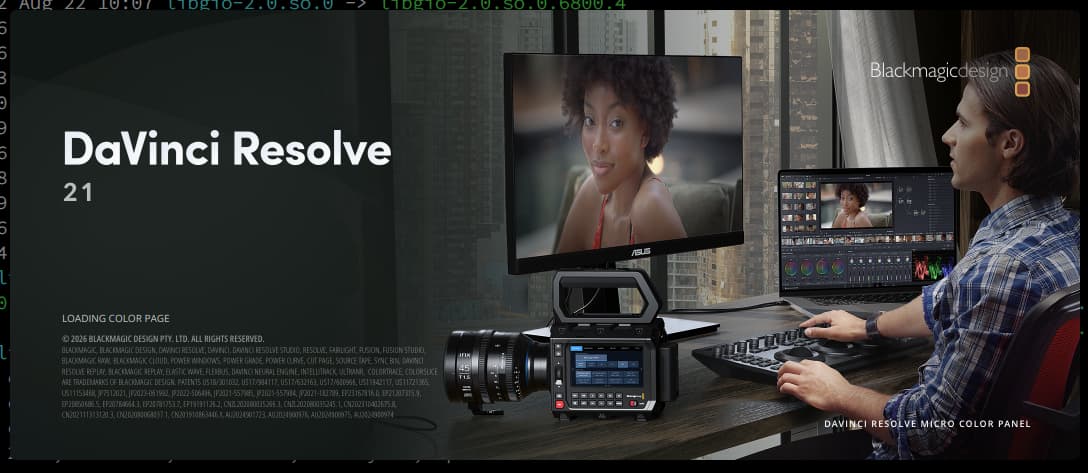
I spent hours trying to get Davinci Resolve to work natively on Tumbleweed, but always ran into problems, whether freezing on startup, freezing when opening projects or not recognizing my GPU. I finally learned that it’s best to just use Davincibox. Since switching to Davincibox I have had zero issues using Resolve.
You may DM if you prefer, but if they aren’t personal/private questions, it’s better to continue here so others with similar questions might benefit (or in the very likely event that I don’t know the answer).
I opened the topic regarding running DaVinci Resolve (Free) on openSUSE Tumbleweed natively. But I rather had to settle for a completely different approach, which is Distrobox. So, since it didn’t seem like something completely aligned with the opened topic, I wanted it to be rather handled outside of ‘this’ topic. I suppose I should’ve just opened another topic, but since I was specifically looking for Theodore Brown’s response, I figured I’d just DM.
My primary question is - have you noticed resolve performing worse by running it via davincibox as compared to running it natively on a ‘supported’ OS like Windows, Rocky Linux, MacOS (if you have experience with them)?
Don’t worry, I understand. You were asking how to get DaVinci Resolve working in Tumbleweed for which the best answer, at least for some configurations, seems to be “use davincibox.” So further questions about that solution would still be on-topic.
While there is certainly a bit of overhead added by distrobox, I haven’t noticed any performance issues. However, I’ve also never tried running it natively on this machine in particular1, so I can only compare it to the workstation at work which is much newer than my system.
That said, as long as I’m working with optimized media, I can do smooth 1080p editing and compositing on pretty dated, mid-range hardware (i7 6700k, 32GB DDR4 RAM, Radeon 6700XT, SATA SSD and HDD). I don’t do 4K editing, but I’m pretty sure my setup would struggle with 4K even on a natively supported OS.
Oh! I just remembered one issue I did have using davincibox:
Because of the way distrobox handles fonts, and the asinine way Fusion (not Resolve, just Fusion, because Resolve is cobbled together with sellotape and prayers) handles fonts, you might find that a lot of your fonts don’t load in the Fusion page or Text+ titles.
Resolve has no trouble finding fonts in all the system and user paths, but Fusion seems to default to looking in /usr/share/fonts/ and nowhere else. Unfortunately, distrobox adds fonts to containers by linking the host’s /usr/share/fonts/ to /usr/local/share/fonts/, which Resolve checks by default, but Fusion will only check /usr/share/fonts/ which in the container seems to include only a few basic fonts.
This means a few things:
If you have any fonts installed on your host system to /usr/local/share/fonts/ distrobox will ‘overwrite’ them in the container with the contents of /usr/share/fonts/.
Even if you have all your fonts installed to /usr/share/fonts/, Resolve won’t find them because distrobox moves those fonts to /usr/local/share/fonts/ within the container, which Fusion doesn’t check even though Resolve does.
If you have any fonts installed locally to ~/.local/share/fonts/, again, Resolve will find them, but Fusion won’t know about them because consistency is not a priority for BMD.
The workarounds I’ve found are:
Don’t install fonts to /usr/local/share/fonts/
Install system fonts directly to /usr/share/fonts/ so distrobox doesn’t ‘overwrite’ them. Technically this isn’t best practice, but it’s fine on a personal computer. A better alternative would be to install them locally to ~/.local/share/fonts/.
Note: This is a quirk of distrobox and not davincibox or Resolve’s fault. Looking at the GitHub there seems to be some hope that it might be addressed in the future.
Manually tell Fusion where to look for fonts:
Open the Fusion page and in the Fusion menu select Fusion Settings (That’s a lot of Fusion!). Select Path Map and look for Fonts: under the Defaults category. Change the value for To: to /usr/local/share/fonts/;/home/<USER>/.local/share/fonts/ replacing <USER> with your username. You can’t use ~ here, Fusion needs the full path.
Note: This is entirely Fusion’s fault and I suspect this would be a problem even on a native install. BMD’s forums have a lot of posts even from Windows users confused that some of their fonts don’t appear in Fusion because Fusion doesn’t check locally installed fonts.