Of course I did. my PW doesn’t work as a root PW, it is refused. A moment ago I had to reboot, and surprise, I wasn’t asked for a PW, so now, i’m doubting about everything !
I have read your link and I’m gonna try ! Thank you But I still hive some doubt about the keyboard. I will choose a PW that works whatever is the keyboard’s layout
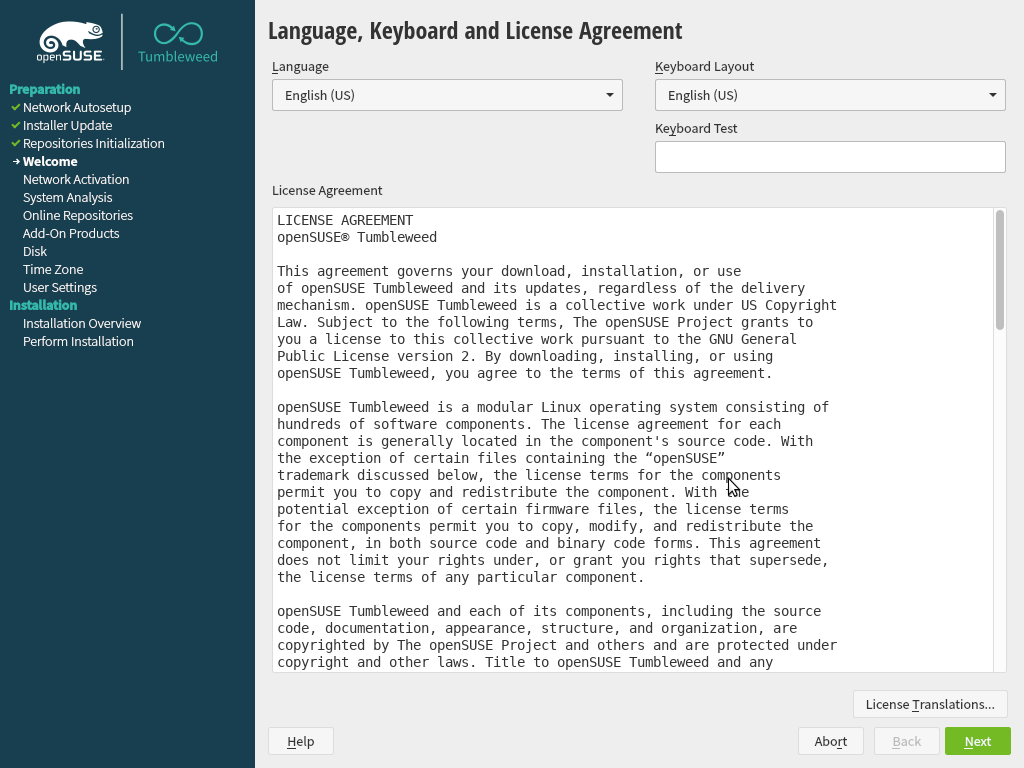
VM is finished. Yes it is an keyboard layout issue. The english keyboard layout is used. The user PW is the root PW.
This is because the standard setting is autologin for the first user (see my first screenshot, second checkbox [a little bit hidden under the red line]. I unchecked this box for my test as i always do.). If you would revert autologin, you possibly would also fail to login with your user as the english keyboard layout is also used for the login manager.
First I wanna thank you for this big help, and all the time I took !
You know what ? Because of this ‘autologin’ , plus the KB layouts mess, I realize now that I was never asked for my PW, so I even can’t say what was working, or not !! My worst installation ! But a good way to learn.
Small tipp for the next time you install Tumbleweed: The installer has a field under the keyboard layout page and user PW fields to verify what you have typed. You will really fast detect if there is an character missmatch to the one you expected when typing.
Yes, and I did it ! and It was well tuned.
The bad thing, i Think, is that after doing everything right, on the first reboot after installation, you have to go in setting to tune the keyboard layout, just like if you were doing twice the same thing … and if you forget this …
Anyway I just finished reinstalling, without autologin, and with “same PW for first user and admin”. Running now, everything’s fine …so far ! Thank you for being here.