Problem
You migrated from Packman to the VideoLAN repo to become future proof. But now every few days some packages from the VideoLAN repo can’t be updated, forcing you to wade through dozens of dependency conflicts for each DUP in Myrlyn or zypper.
Solution
Lock that whole repo until it’s consistent again. Do the DUP with the remaining repos without all that dependency conflict hassle.
A few days later, unlock the VideoLAN repo again and try again. If there are still conflicts, lock it again.
How?
Myrlyn → “Repositories” view → select the problematic repo (VideoLAN or NVidia), open the context menu of the package list, then “All in this list” → “Protected - do not modify”.
You could do this since the start of the Myrlyn project.
Is there an Easier Way?
Glad that you asked…
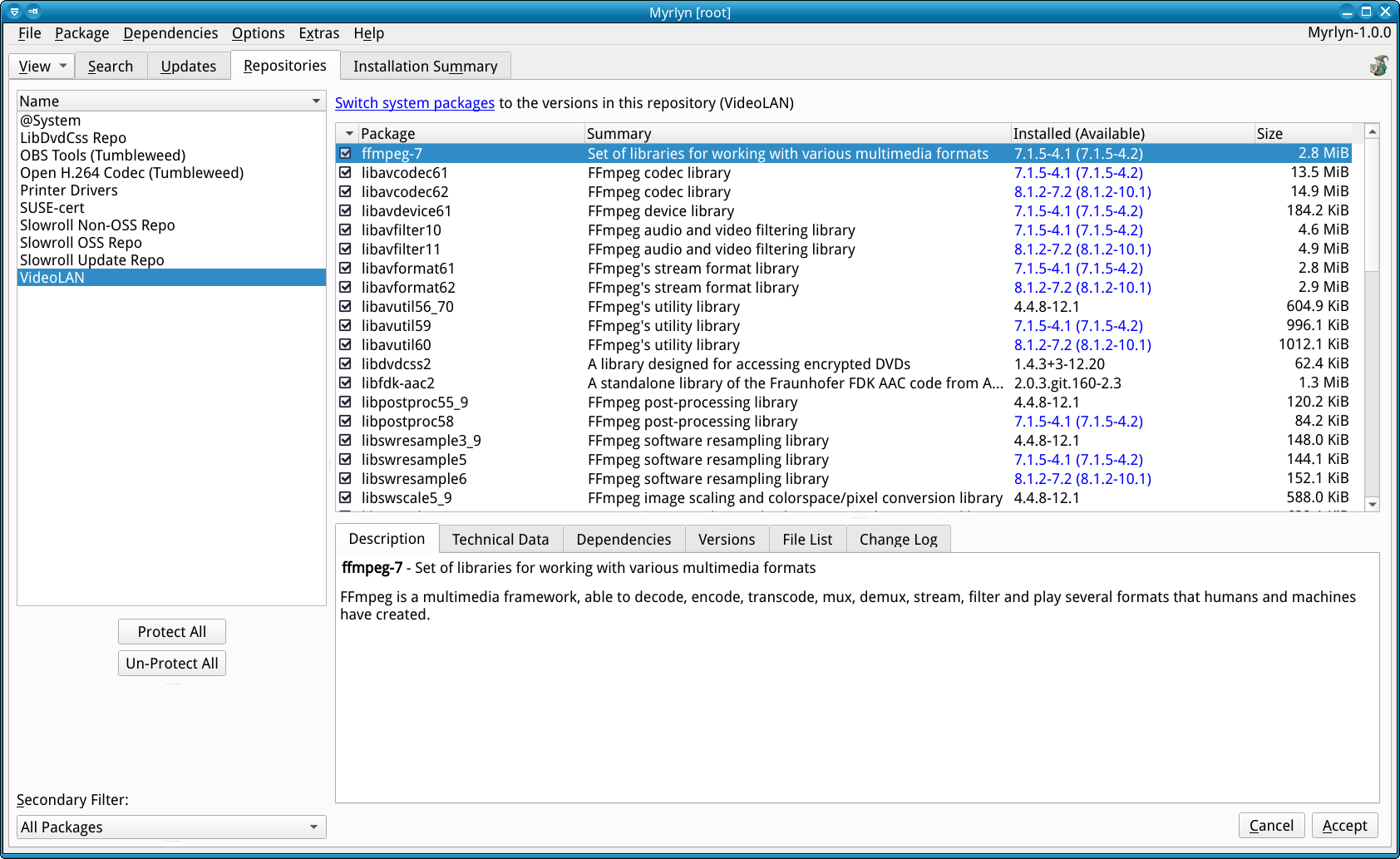
Hit the “Protect All” button, and hey presto:

This is nothing more than the “All in this list” → “Protected” action from the context menu (or from the main menu). But it’s sooo much more convenient.
And while I was at it, I also added some more quick filters to the “Secondary Filter” combo box:
- Installed packages
- Not installed packages
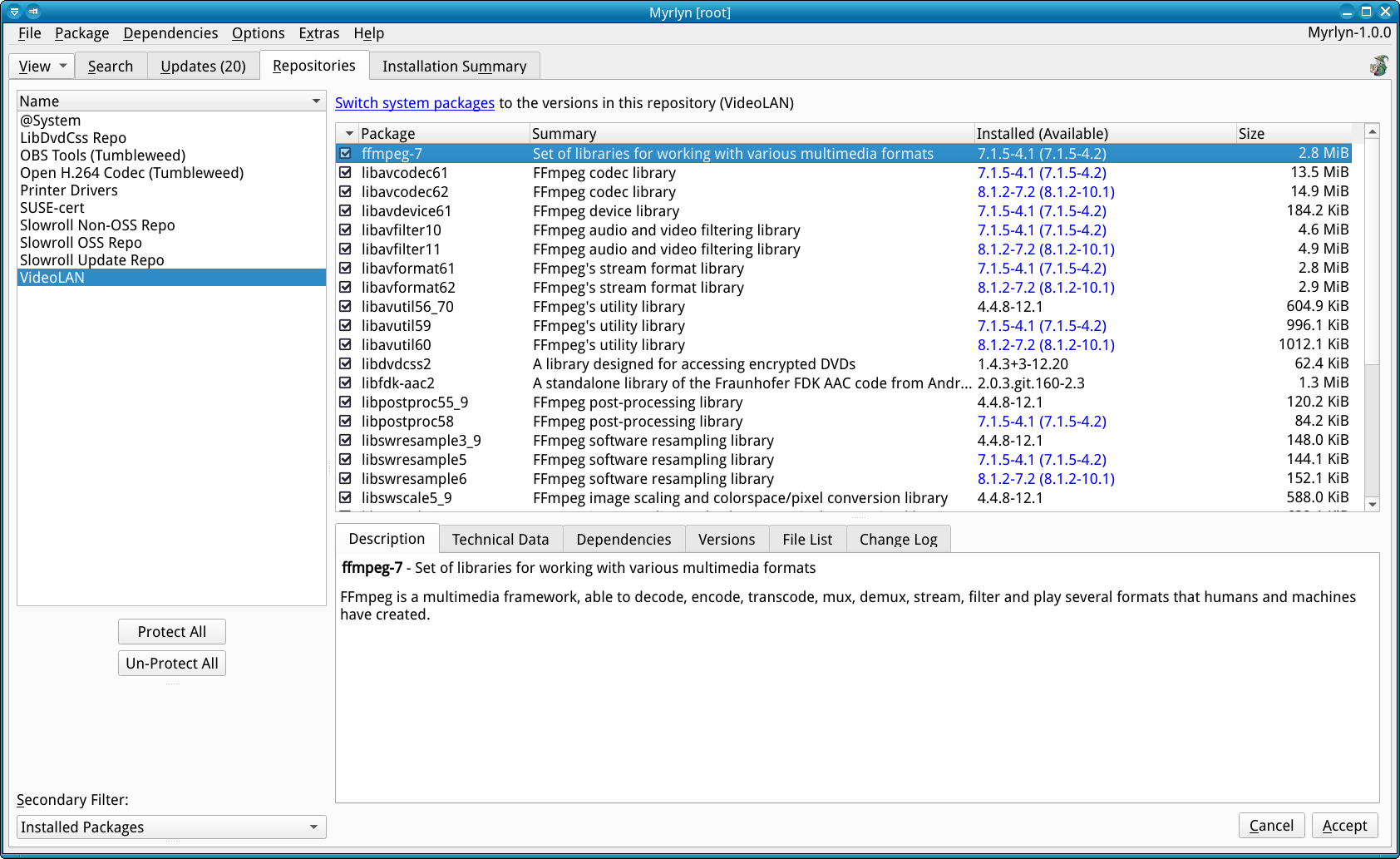
You could always do this with the “Installation Summary” secondary filter (now renamed to “Status”), but it required more clicking.
Wanna Try?
Build Myrlyn from source or use the latest version from my “myrlyn-git” OBS home project:
New Myrlyn Release?
Yes, it will come; when some more of the queued backlog is done, including new icon / logo with SVG vector graphics and a color palette that harmonizes better with the major desktops.
Feedback
Comments welcome.