Is there any easy way, to get disk usage within a directory, NOT INCLUDING any mounted drives within that directory?
eg under /home I have 8 sub-directories, 4 of those are REAL subdirectories, containing data, the other 4 are directories used as mountpoints for external drives.
I just want (the more detailed the better…), info on the 4 REAL directories.
Thanks.
Hi, du -sh <REAL Dir name>
du -sh Public/
8.0K	Public/
You might want to use read the man page for any command information ( :~> man du )
(sidenote: no such thing as a ‘REAL’ sub-directory in Linux  )
Sample:
du -sh --exclude=/home/dir1 --exclude=/home/dir2 /home
1 Like
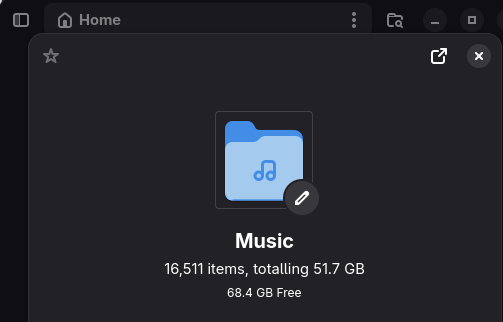
Not sure which Desktop you are using, but in Gnome and the Files app if you right click on the sub-folder you are interested in & then select properties at the bottom of the pop up list this gives you info like number of files & space used by the folder.
Except the OP wants file space usage for a few sub-directories (in /home) EXCLUDING the space usage of four sub-directories (mount points).
( granted - i’ve never used GNOME, but my thought is its graphical file manager doesn’t provide that type of functionality )
I should have said eg under home I have 80 subdirectories, and 45 of them are “real - data local to that partition, not mounted, how else do I explain it?? Think you know what I mean!”, and they are the ones I want the info for.
Yes, I know I can do them all individually, but PITA!
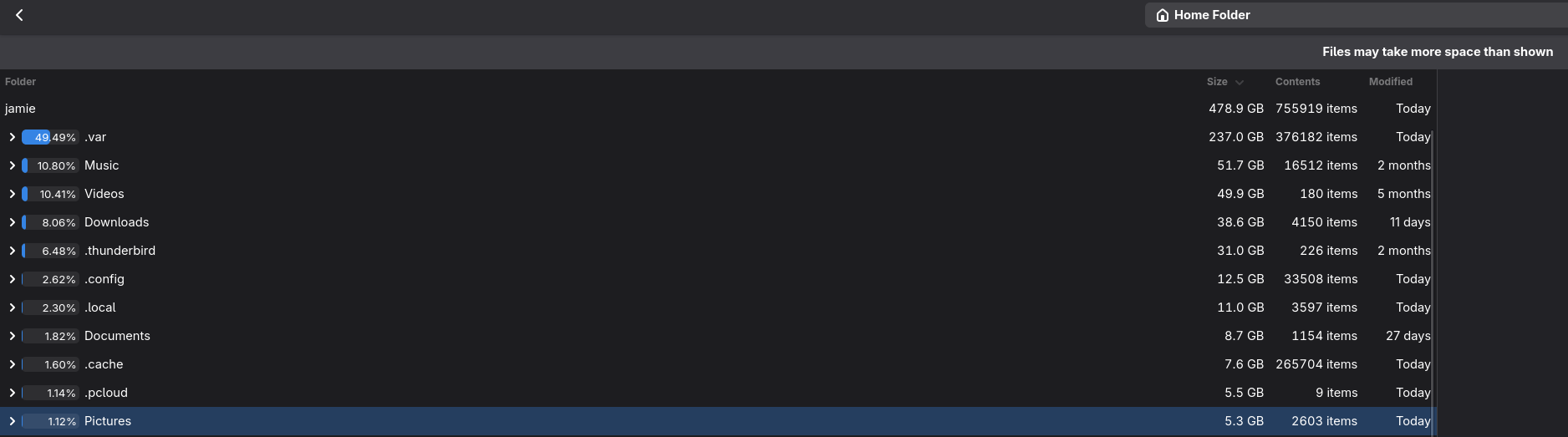
I believe all the disk usage analysers (that I have seen) will include info on ALL subdirectories…??
You should probably investigate | decide whether you have:
a. 4 and 8
… or
b. 45 and 80
That’s a vast difference!
filelight tends to be pretty good at getting you the sort of information you want, in a pretty easily understandable interface.
Here’s a real-world example.
The first du executed shows the total of my home sub-directory.
The second du shows the total of my home sub-directory, but DOES NOT include the Documents sub-directory and the vms sub-directory. Obvious difference. It took me about one minute to type all that and see the results.
.
If you in fact have 4 mount points in your home that you want to exclude, simply define those with the –exclude option
myswtest@dell:~> du -sh
110G    .
myswtest@dell:~>
myswtest@dell:~> du -sh --exclude=Documents --exclude=vms  .
18G     .
myswtest@dell:~>
Seriously?
that said “eg”, which means (well, to me, anyway…), “for example”. I could have said 10000/5000 just as easily. Don’t care!
Am after a tool to do the job, not to investigate the actual numbers, regardless…
Pheeewwww…
Obviously doesn’t exist…
With du add the -x option to exclude mount points…
Thank you, thank you!
That is it, exactly.
Appreciated!
And that is very clear in the man page. Didn’t you consult it before asking here?
-x, --one-file-system
skip directories on different file systems
Use QDirStat.
sudo zypper in qdirstat
1 Like
This topic was automatically closed 7 days after the last reply. New replies are no longer allowed.