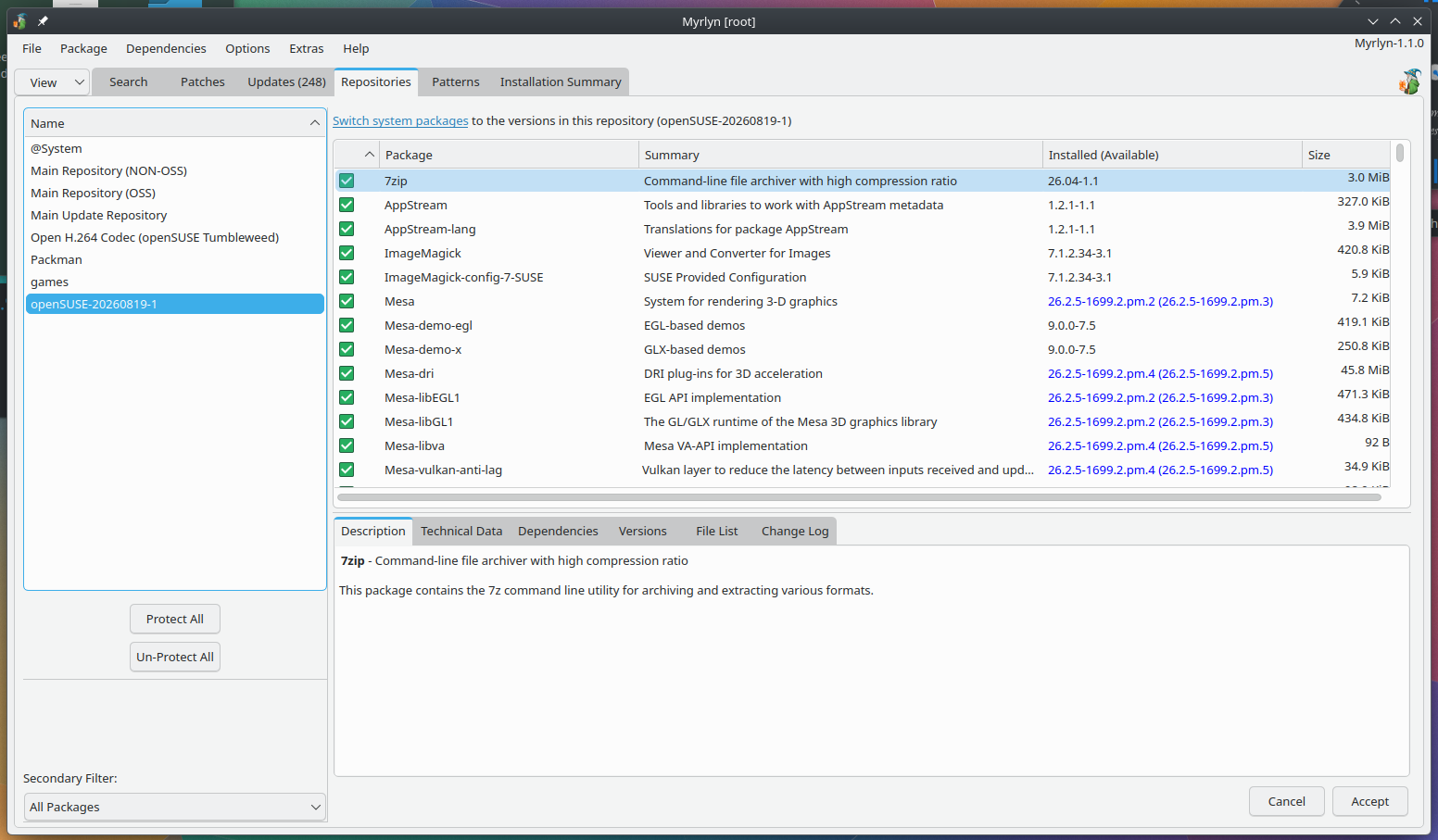
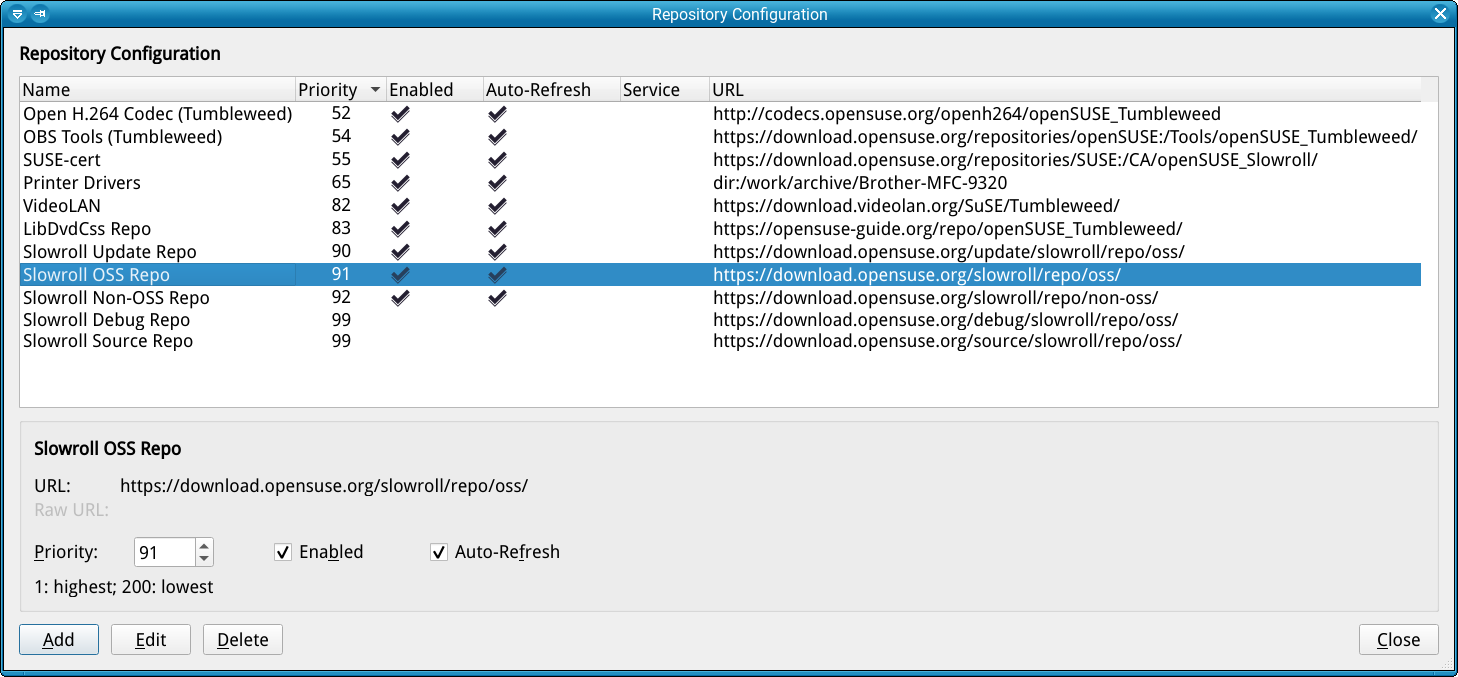
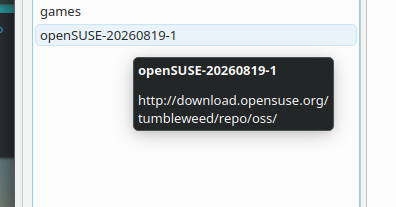
I have noticed that I have the following repository enabled every time I update my system and I just thought I should find out what it is (highlighted in screenshot):
I think this is the date of installation of my currently running Tumbleweed.
Is it normal to have this enabled or available on the installed OS?
As an aside, given that it is 03 November in my location and if I installed Tumbleweed on 19 August, that is really impressive for me to stay on the same distribution for that long. Tumbleweed and Plasma 6 really has become a match made in heaven with me.
Looks like that is the installation medium still connected to the system?
And no, unless you have a specific need for it normally it may (or even should) be removed from the system.
That is interesting. The installation media is definitely not still connected – I disconnected it after installation and long wiped it to put openSUSE Tumbleweed recovery live disc on it (just in case).
Nevertheless, thanks for letting me know it’s ok to remove it.
If you used the online installer that repo was likely “temporarily” set up to perform the base install and then left behind. Anyway now you are safe removing it.