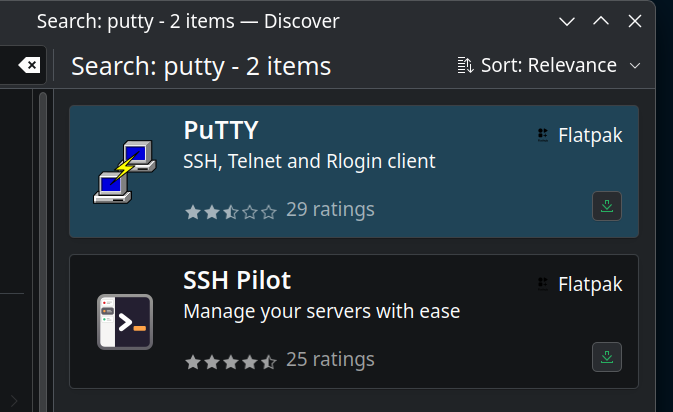
I’m used to using PuTTY. Due to the lack of X11 support in Plasma 6.8, PuTTY doesn’t work well.
Copy/paste doesn’t work.
A suggested workaround is to launch it like this: “GDK_BACKEND=x11 putty”, but then it’s no longer possible to resize the window using the mouse.
Ugh. Can anyone suggest a good alternative to PuTTY?
Requirements: stable, secure, simple, ForwardAgent, Tunnels, KeePassXC agent support, wo accounts and clouds…
Can you specify where you see this? In an established connection to another machine or in the Putty setting window?
From a short test i was able to copy e.g. from a terminal to the Putty settings window and vice versa.
According the Putty changelog, Wayland is supported sinve version 0.71 which was released in 2019. Version 0.84 fixed a startup issue under Wayland. Tumblweeed ships the latest version 0.85.