I think that it was because of my attempt to install via Legacy BOOT *USB Storage Device and notUEFI BOOT USB PMAP (now shown as opensuse-secureboot) when pressing f12 during machines POST.
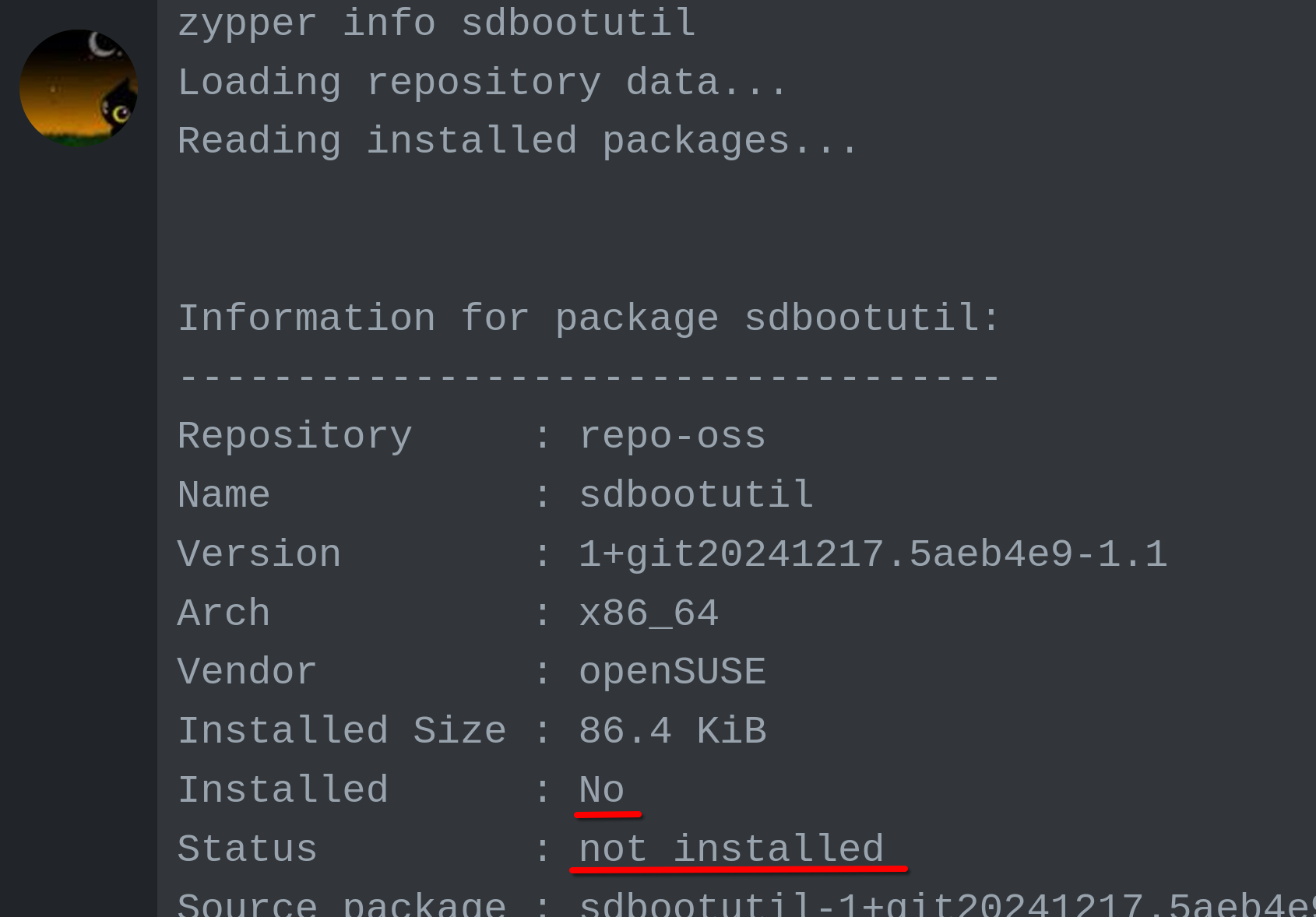
zypper info sdbootutil
Loading repository data...
Reading installed packages...


Information for package sdbootutil:
-----------------------------------
Repository     : repo-oss
Name           : sdbootutil
Version        : 1+git20241217.5aeb4e9-1.1
Arch           : x86_64
Vendor         : openSUSE
Installed Size : 86.4 KiB
Installed      : No
Status         : not installed
Source package : sdbootutil-1+git20241217.5aeb4e9-1.1.src
Upstream URL   : https://github.com/openSUSE/sdbootutil
Summary        : bootctl wrapper for BLS boot loaders
Description    :
    bootctl wrapper for BLS boot loaders, like systemd-boot and grub2-bls.
    Implements also the life cycle of a full disk encryption installation,
    based on systemd.
I think this was occurring due to me attempting Legacy Boot < USB Storage Device < openSUSE installer. More info above if interested. You can tell secureboot openSUSE boot is working correctly by displaying DELL symbol with Tumbleweed displayed at the bottom of head/display after LUKS key is opened.
https://bugzilla.opensuse.org/show_bug.cgi?id=1234741 warning: %transfiletriggerin(sdbootutil-1+git20241217.5aeb4e9-1.1.x86_64) scriptlet failed, exit status 1
I do not know why the bug report link above disappeared above (perhaps I didn’t paste it correctly). I do not know enough about the process as to what will happen next.
-Thanks