OK, thanks for the clarifications . . . I did look at your wordpress page, and then I asked if those commands could be run from another linux install in the same disk as the TW install, or does it have to be from a live rescue system?
The TW DVD installer has a “rescue” option, but seems like it wasn’t accepting any log in name I have for TW install . . . wasn’t sure if you were answering my question with the log in to rescue would be
su -
??? and no password will get me into the “rescue” console??
But, I’ll try to run the commands tomorrow morning . . . some hours from now.
I never tried repair from another distribution. You may give it a try.
The TW DVD installer has a “rescue” option, but seems like it wasn’t accepting any log in name I have for TW install . . . wasn’t sure if you were answering my question with the log in to rescue would be
su -
??? and no password will get me into the “rescue” console??
Yes.
Found the Tumbleweed images missing the boot menu. You need to copy from the first to the second partition of the USB stick:
OK, thanks for the reply . . . I see if I have time for it today, but I’ll get to it.
But what are you saying, that you did find some TW images that have a missing component? And would that be repaired, or has it been repaired in recent snapshots? I looked in my clone of the 1107 edition and it has “EFI” and “Boot” directories, one of them mentioned “grub.cfg” . . . question is are they being properly installed??
Thanks for the “cp” command, I’m not exactly following, in my usb drive it appears to be only one partition, and my user name isn’t 'karl" and I’m not running KDE . . . . Are you suggesting that I wouldn’t have to run the series of commands on the wordpress page on repairing grub . . . but instead copy this command above into something on the usb drive??? Not making sense exactly as usb stick shouldn’t be editable???
Might be easier if the boot menu has been added back into recent snapshots to run an “upgrade” from that and see if that repairs the situation? Or running your wordpress series of commands . . . ???
Ran the commands via sdb7 system, pasting this here before I reboot:
nonspac-pc:/home/nonspace1 # mount /dev/sdb8 /mnt
nonspac-pc:/home/nonspace1 # mount -o bind /dev /mnt/dev
nonspac-pc:/home/nonspace1 # mount -o bind /proc /mnt/proc
nonspac-pc:/home/nonspace1 # mount -o bind /sys /mnt/sys
nonspac-pc:/home/nonspace1 # chroot /mnt
nonspac-pc:/ # mount /dev/sdb1 /boot/efi
nonspac-pc:/ # grub2-install
Installing for x86_64-efi platform.
Installation finished. No error reported.
nonspac-pc:/ # grub2-mkconfig -o /boot/grub2/grub.cfg
Generating grub configuration file ...
Found theme: /boot/grub2/themes/openSUSE/theme.txt
Found linux image: /boot/vmlinuz-5.3.9-1-default
Found initrd image: /boot/initrd-5.3.9-1-default
Found linux image: /boot/vmlinuz-5.3.8-1-default
Found initrd image: /boot/initrd-5.3.8-1-default
Found Manjaro Linux (18.1.3) on /dev/sdb6
Found openSUSE Tumbleweed on /dev/sdb7
Found Mac OS X on /dev/sdc2
Found Ubuntu 19.10 (19.10) on /dev/sdc5
Found Ubuntu 19.10 (19.10) on /dev/sdc6
done
Nope. On reboot from console, selecting sdb8/TW in grub again goes to “file not found” and then on to panic and dump trace rebooting in 90 seconds. Out of time for this today, I’ll see what happens if I cold boot after shutting down, if grub “finds TW” . . . .
Couldn’t edit the other post due to time limits, rebooted into U-MATE and ran update-grub, which in the past has “worked” to repair grub issues, don’t know if this will, but point is to show that TW shows up in grub listing and can be selected for boot, after which we go to blackness with a few words about “panic” . . . .
sudo update-grub
[sudo] password for non-spac:
Sourcing file `/etc/default/grub'
Sourcing file `/etc/default/grub.d/init-select.cfg'
Generating grub configuration file ...
Found linux image: /boot/vmlinuz-5.3.0-23-generic
Found initrd image: /boot/initrd.img-5.3.0-23-generic
Found linux image: /boot/vmlinuz-5.3.0-19-generic
Found initrd image: /boot/initrd.img-5.3.0-19-generic
Found linux image: /boot/vmlinuz-5.3.0-18-generic
Found initrd image: /boot/initrd.img-5.3.0-18-generic
Found Manjaro Linux (18.1.3) on /dev/sdb6
Found openSUSE Tumbleweed on /dev/sdb7
Found openSUSE Tumbleweed on /dev/sdb8
Found Mac OS X on /dev/sdc2
Found Ubuntu 19.10 (19.10) on /dev/sdc6
done
Again: Presumably systems on sdb7 and sdb8 share the same folder ‘opensuse’ on EFI system partition. Change that as already described above and try again repair procedure.
I’m surprised Ubuntu isn’t manifesting a similar problem. It’s on both sdc5 and sdc6, as TW is on both sdb7 and sdb8. The installation and update systems are not designed for multiple installations of the same family of distros absent customizing GRUB_DISTRIBUTOR=. It must be customized on these as long as Grub is handling booting.
I’ve had various linux installs running in grub in the past w/o issue. All other distros boot from grub w/o issue, except TW. In the present case I have the ubuntu installs pointed to sdc1 for the install, but they show up in the sdb1 grub. In this case, the two “opensuse” installs are a Gecko rolling distro, and now a TW install, which had been Leap 15.1, then 15.2, and now TW . … .
I thought it had to be ten distros before regular grub “loses track of the installs” . . . ??? I’ll look at these other suggestions later, I’m tending to think that maybe “bootinfoscript” might be the next step?? not sure if it will show anything more than what we have . . . ???
No rush on it, just trying to drill down on where the issue is, and whether it is pilot error, or installer error . . . ?? Manjaro went in after the TW install and it’s working fine and boots up fine from sdb1 efi grub . . . .
Alrighty, I did take a look at how to change that, it doesn’t look too complicated, I’ll try to change the names for the two “TW” and the two “ubuntu” systems in grub, and when that gets done I’ll post back about it. That might fix the issue, or next stop I’ll try the bootinfoscript thing which seems a little more complicated getting that data from the TTY . . . looks like “pastebinit” is the option as it seemed like “susepaste” had some issues???
But, next step fiddling with the “grub_distributor” items . . . .
I did try to edit the “grub_distributor” line item in a few of the distros . . . and then I ran the “mkconfig” lines in the Gecko Rolling install, and I went into the U-MATE install and did the same thing . . . and then I went into the sdb8 TTY and edited the /etc/default/grub line . . . . And so far it appears to have not worked.
I did go into the Gecko Yast bootloader app and it showed my adjusted grub title as “Gecko MATE rolling” as I had changed it away from “openSUSE Tumbleweed” . . . but it appeared that Manjaro is still the top controller of the Grub menu and nothing has changed in that grub menu. More importantly sdb8 while showing in that grub menu, still boots to “efi not found” and then to a kernel panic dmesg . . . .
And, final nail in the coffin, I rebooted into the 11/7 snapshot installer and booted sdb8 into a TTY . . . I ran the “grub_distributor” edits there, then after that I ran a “zypper ref && zypper dup -l” . . . it pulled about three lines from the “Main repository” . . . then errored out with some lines about “traps” and “error: 0 in libcurl” and finished up with a “segmentation fault” for good measure . . . .
So I don’t think that “bodes well” for this installation of TW . . . haven’t had what could be called “good luck” getting TW running on this computer . . . the Manjaro install, the two ubuntu installs, and the Gecko install are all doing well and manage to boot themselves from grub . . . TW just ain’t going there . . . .
I could boot it in BIOS mode, and it was automatically persistent live.
But it did not boot correctly in UEFI mode but arrived at a grub prompt
just like the previous daily iso file did for you. I am convinced that
it is a bug in the boot system for UEFI mode. And this bug sits in the
iso file.
Gents:
Didn’t give up . . . yet . . . after the “segmentation fault” problem I thought it was “over” for the install . . . but then I saw the other thread where this “seg fault” problem is a known issue. By then I had wiped the TW iso from the usb drive that I had used to boot into the TTY for the installed system in sdb8 . . . so yesterday I tried to get the latest TW iso, rather than using the “generic” one I picked “XFCE” and I cloned it back into the usb drive. Booting the “EFI boot” disk the system went immediately to a “GNU Grub” window . . . I tried cloning that image multiple times into two different usb flash drives, same thing each time.
I then burned the iso to an olde fashioned DVD and that booted into a live session, but it didn’t give me the option of “boot from hard drive” . . . when I clicked on that option it too went to the GNU Grub window . . . .
So, I then contacted the gent who developed the app I have used successfully to install many systems to usb installer, to see if any changes he might have done would be “influencing” the iso . . . I gave him the link to the TW iso’s and he downloaded one this am and provided this comment quoted above . . . neutral guy thinks there is a “bug in the UEFI boot system.” I think there is problem . . . a “bug” in the TW stew . . . .
Downloaded dozens of isos (Tumbleweed and other distros) Never experienced a problem with grub.
When experiencing problems with grub you need to repair it:
**
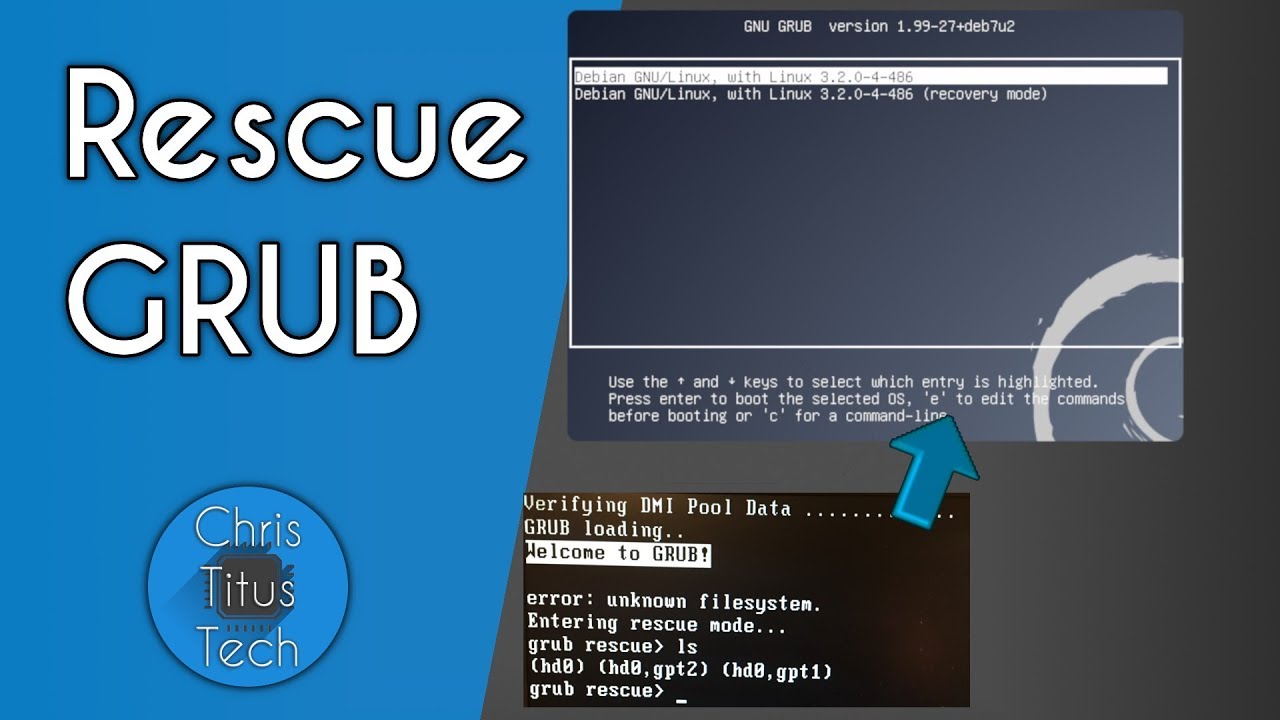
GRUB Rescue | Repairing GRUB**
“Lets go over Grub Rescue and repairing your bootloader. This is a very misunderstood topic and by learn basic syntax you will be able to repair your GRUB very easily. Here are 4 methods of doing a GRUB Rescue.”
“Lets go over Grub Rescue and repairing your bootloader. This is a very misunderstood topic and by learn basic syntax you will be able to repair your GRUB very easily. Here are 4 methods of doing a GRUB Rescue.”
Thanks for the reply, I did take a look at the linked videos you provided, but I think “we” already tried to repair grub via the TTY and even though there was no “error” reported that didn’t get the TW install to boot, or find its way back to the TTY . . . . As per the gent who found that the UEFI portion of the 11/23 TW iso was not booting, there seems to be something that perhaps relates to Mac hardware which is causing a problem . . . in the recent .iso’s . . . ???
I’m trying to get this somewhat “troubleshot” so that a bug report can be filed on it . . . it just isn’t clear to me what that problem is, but it seems that mr mazda had a similar experience some months back . . . . 6 or so months back I had a TW install in the same partition on the computer and it ran and booted fine . . . along with all the other systems . . . all in Grub in very untidy fashion . . . it worked. Grub now boots all other linux installs except TW.
I had a SuperGrub2 version 1.99b on a CD/DVD and I booted it up this morning . . . and it “failed to find anything” except “OSX Darwin” which didn’t boot . . . it used to be that SuperGrub2 was pretty good at booting up installs where Grub got messed up usually by an OSX update . . . but about a year back it just wasn’t working. Rescutax or whatever it is is just too “obtuse” for me to figure out how to use it . . . looks like there might be a SuperGrub2 version 2.xx that is available . . . might give that a try later on.
OK, I’m sure everyone was holding their breath over this one, but reading through the christitus page??? there was a link to Supergrub2 . . . so this afternoon I dl’d the latest beta and took a couple of attempts to get it booted . . . scrolled down through many many lines to the “grub.cfg” lines that I could understand, “Tumbleweed OpenSUSE” “sdb8” . . . and SG2 booted it up!!!
So then after doing some emails . . . I tried to run “zypper ref && dup -l” in the GUI Terminal . . . it showed 529 packages to upgrade . . . pulled about 5 packages and it hung on an “11mb” package . . . 20 minutes later still hanging there . . . I tried to quit it w/ ctrl x . . . quit the Terminal. Then I tried to just use the GUI Updater that was showing I had 529 packages . . . but that was “blocked by zypper” . . . . Tried a few other commands, then I logged out and into IceWM . . . .
Tried the zypper dup again, this time it got to ten packages before it hung for like 25 minutes . . . . So, the system is “intact” and SG2 gets me into it, but now the system won’t retrieve the packages . . . it just hangs . . . not going to the “Seg fault” and giving a cursor for the next command . . . it hangs and then blocks any other “zypper” commands . . . .
one step forward . . . five or six seg faults backward.
Yes, I saw the post you or someone else made about the problem. Seems like the devs have found the problem, question is whether that is “in the tubes” to us yet?
@karlm:
Alrighty, I did try to run the “zypper refresh --force” and the “in libcurl14” . . . the first one was blocked by the zypper “hang” and the second one surprisingly said . . . “no such file of directory” . . . ??? Before I started the 529 package upgrade I saw that a “libcurl” item was named, so anyway I couldn’t get around the “zypper is using the system” error last night . . . . Might try it again today, trying to avoid restarting out of TW until I can upgrade the system . . . might get the grub issue “repaired”???