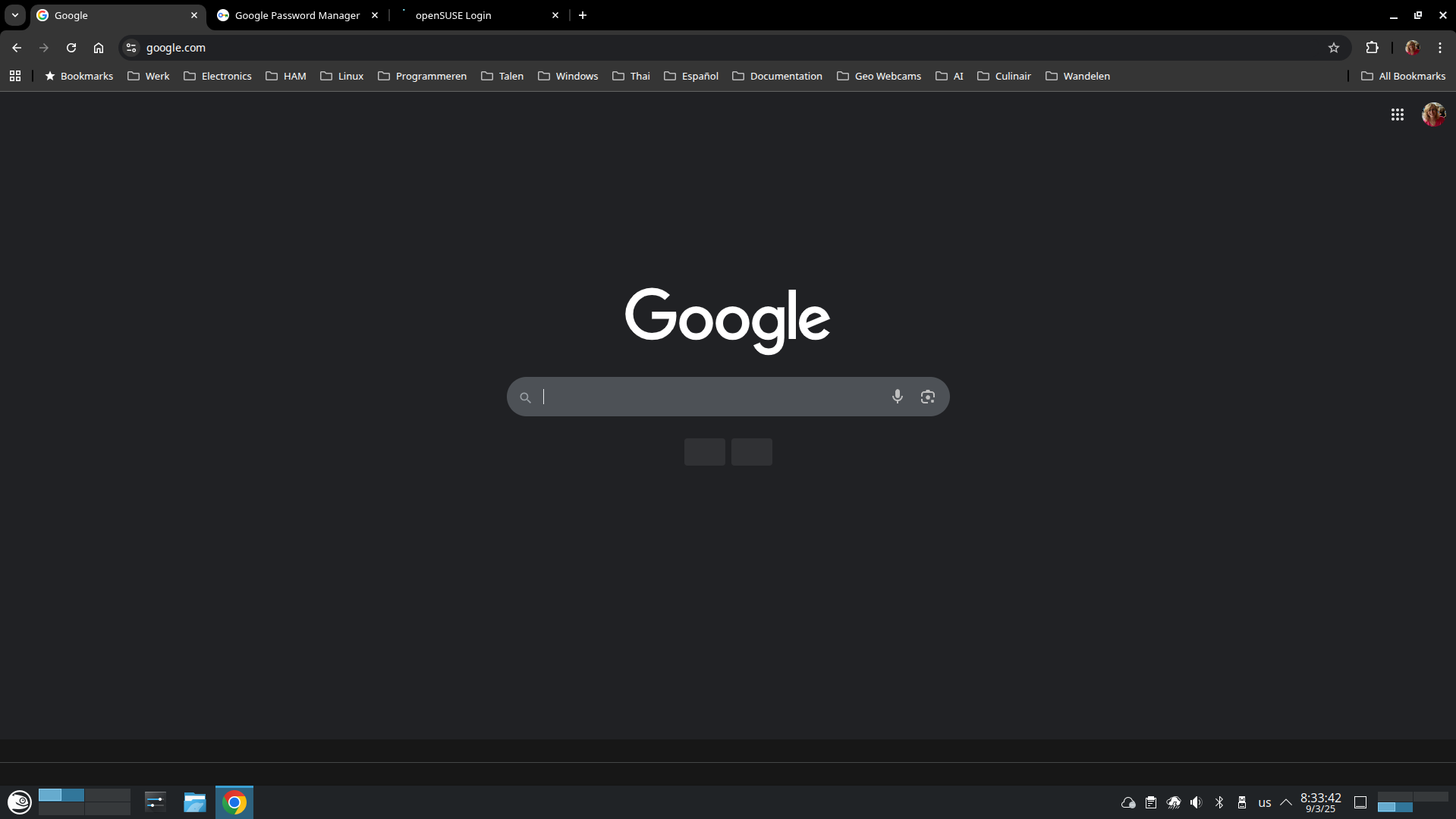
This morning I did a zypper dup on my Tumbleweed system and it reeled in a new google-chrome-stable. after a reboot i guess some fonts are gone. trying to force reinstall these along with snapper rollback etc. however problem stays even after rollback. Thinking of an issue with the profile started a clean profile on another user account, problem is the same. Just wondering if someone else has encountered this as well.
I am aware of that as it’s googles own repo. However there are people using it and primarily I’m checking whether i’m the only one suffering from this.
Even though my pages are coming up they don’t look like they did before. Fonts are clearly different, and when I try to go to “Appearances” in settings, the browser crashes.
I thought I’d drop in and provide the possible issue and resolution.
The problem that many folks experience is related to what is referred to as the “GPUCache” that quite a few apps use (mostly Chrome-based browser apps).
This is not an openSUSE specific issue … if you do a search for “GPUCache” on the 'Net, you will see folks on other distros have this issue. The GPUCache becomes corrupted after some updates.
Someone here mentioned:
Guess what? That Chrome update happened MONTHS ago. So, if you’re using “chrome-dedicated repos” for openSUSE, then you got the “freetype free” Chrome update MONTHS ago. (see last link below).
Anyway, please read the #2 Reply in this first link … hopefully, the link I provide below is a direct link to that Reply … the possible solution is to remove the “GPUCache” sub-directory content for the application having rendering issues. Removing GPUCache is non-intrusive.
.
… second link:
(quote:
To transition FreeType to Skia the Chrome team developed a new Skia font backend based on Skrifa and gradually rolled out the change to users:
It’s funny, it was google Gemini that suggested installing microsoft fonts and said that it was due to the latest version dropping freetype. A search for the same search string now also mentions deleting GPUCache. (LLM’s are very dangerous!)
Tried deleting the GPUCache (and cache) this morning. Had deleted both before the solution was posted, but did it again. Still no joy on getting Appearance to run without crashing the browser.
Started from terminal, received these (snipped a bunch of duplicates):
Created TensorFlow Lite XNNPACK delegate for CPU.
[86955:86981:0909/135207.648295:ERROR:google_apis/gcm/engine/registration_request.cc:291] Registration response error message: DEPRECATED_ENDPOINT
[0909/135211.210273:ERROR:third_party/crashpad/crashpad/snapshot/elf/elf_dynamic_array_reader.h:64] tag not found
[0909/135211.241448:ERROR:third_party/crashpad/crashpad/util/process/process_memory_range.cc:75] read out of range
Segmentation fault         (core dumped) google-chrome
Same things I seem to have seen before with the font issue, if I remember correctly. Can try a different user after I’m done for the day, though. Removed cache and gpucache as well, before running the test from the terminal.
Will do. Was looking for CODE tags, but quoted them instead. Also, an update to google-chrome-stable was installed this morning. Now at Version 140.0.7339.127 (Official Build) (64-bit), and was able to adjust things with no crashes. Solved.