I am understanding your time was not wasted on this.
At the end of the kate help file you will find as explanation:
Arguments:
  urls                       Documents to open
That means you can read urls as arguments:
kate [options] [arguments]

kate [options] [urls...]
kate [-b] [/etc/crypttab]
I have a suggestion … start Kate as your regular user.
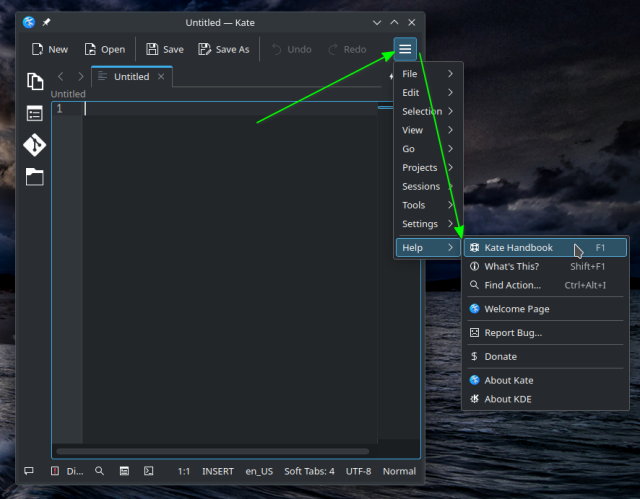
Tap the (hamburger) menu icon in upper right.
Then slide down to select Help, then Kate Handbook.
(see screenshot for visuals). That’s a manual for Kate.
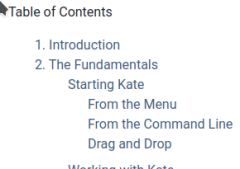
It explains quite a bit, including “how to start Kate”

.
.
1 Like