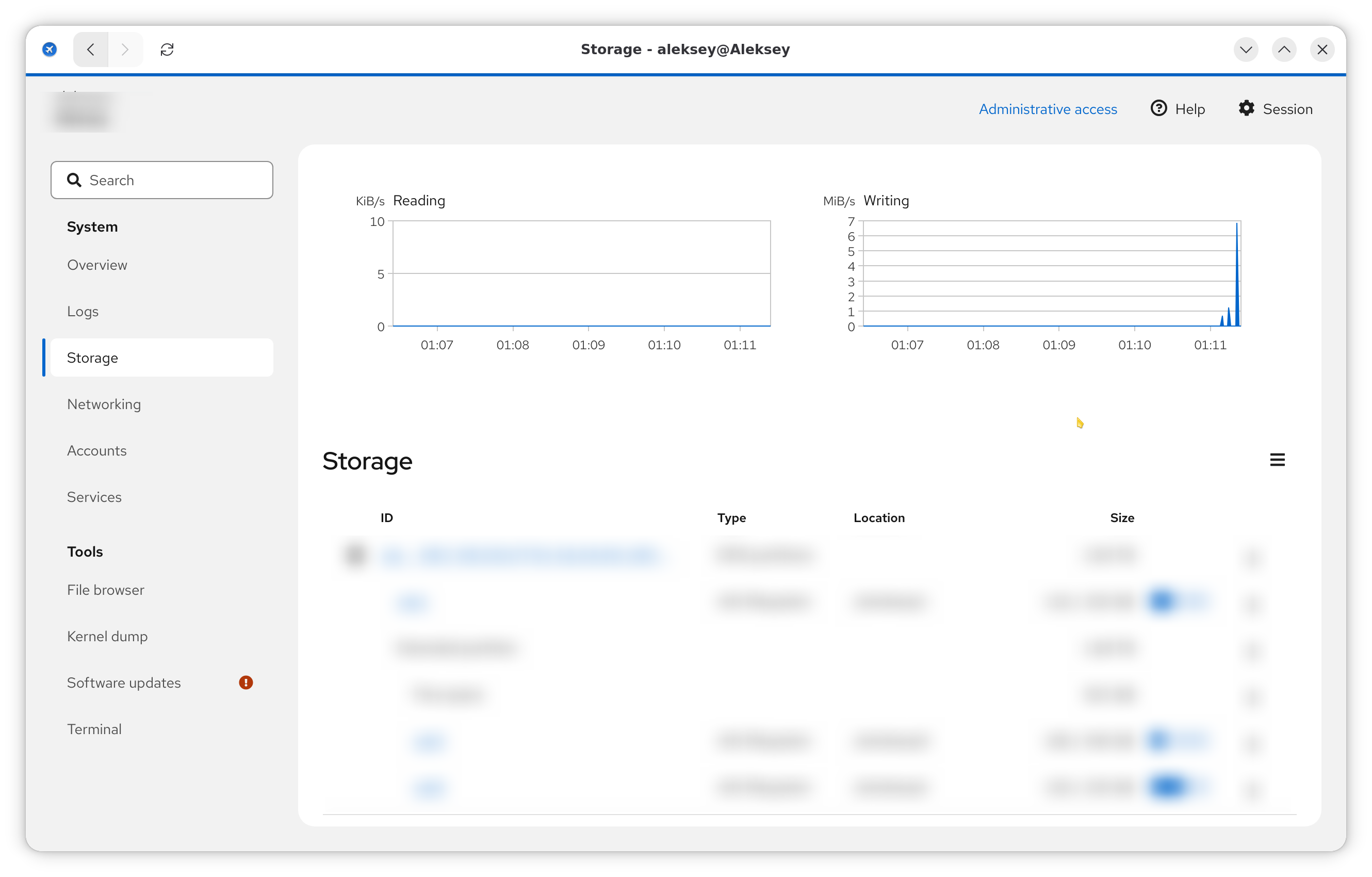
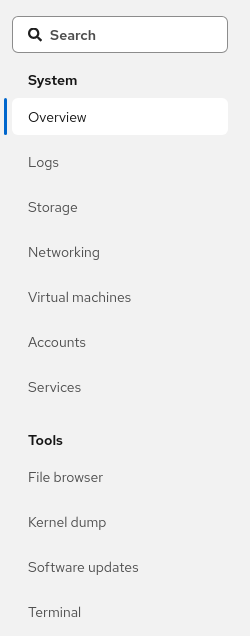
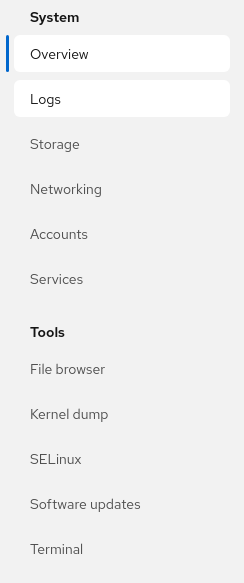
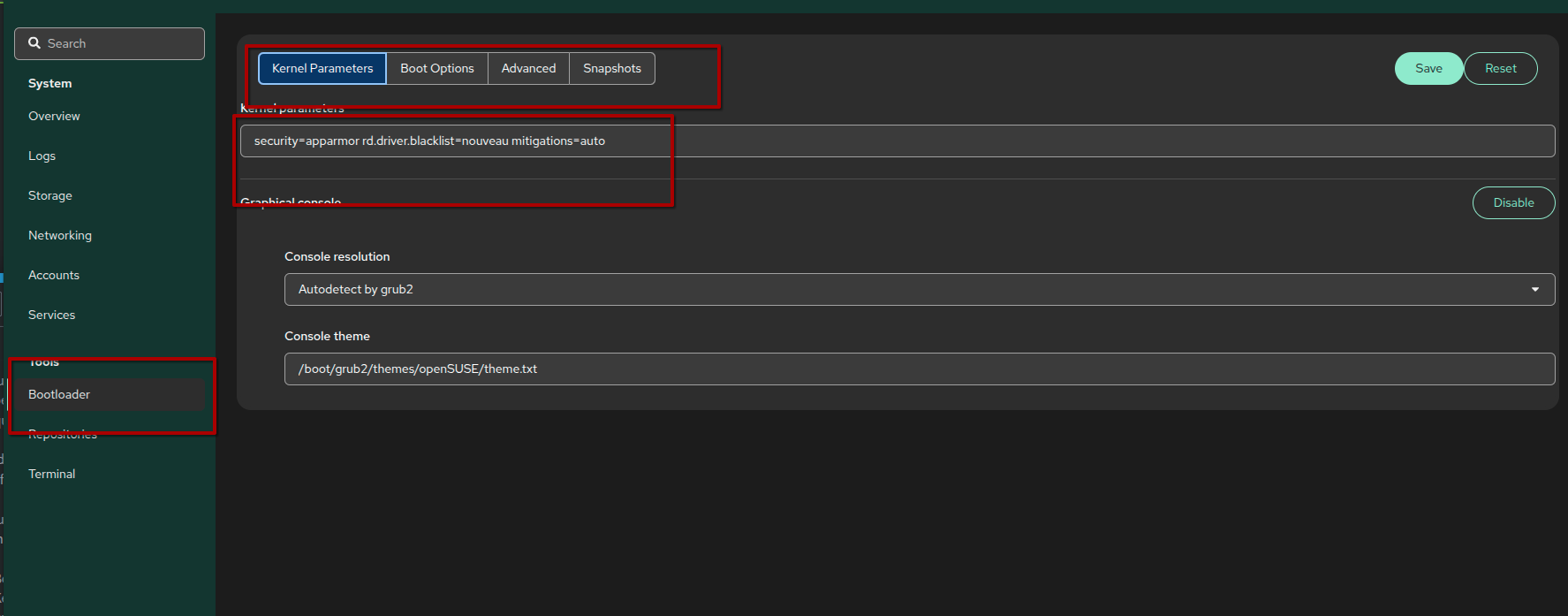
But what do you need to change in the bootloader and why? I setup from the default in Agama with;
{
  "bootloader": {
    "timeout": 1,
    "extraKernelParams": "security=selinux selinux=1 loglevel=2 intel_iommu=on video=1920x1080@60 "
  },
or for apparmor
{
  "bootloader": {
    "timeout": 1,
    "extraKernelParams": "security=apparmor intel_iommu=on intel_pstate=passive"
  },
Localization
  "localization": {
    "locale": "en_US.UTF-8",
    "keymap": "us",
    "timezone": "America/Chicago"
  },
Network and Printer can be handled via the desktop (well I can in GNOME)
Now on my desktop development system I switch between i915 and Xe drivers, so just use update-bootloader command, easy to script(?)…
update-bootloader --add-option xe.force_probe=56a5
update-bootloader --add-option i915.force_probe=\!56a5
update-bootloader --config

update-bootloader --del-option i915.force_probe=\!56a5
update-bootloader --del-option xe.force_probe=56a5
update-bootloader --config
NTP is chronyd, just add a drop-in for you system, I install the pool-empty?
  "software": {
    "patterns": [ "apparmor" ],
    "packages": [ "btop", "gptfdisk", "chrony-pool-empty", "fwupd" ],
    "remove": [ "*plymouth*", "*libply*" ]
  },
Again, folks use Desktop tools for updates, even GNOME updates my firmware (BIOS included) via fwupd.
So perhaps the question is what user based tools are missing from your desktop environment…