That may be because you have yet to provide here an unambiguous starting point from which to develop a recommendation. Your inxi output’s partitioning, the only partition information I see here in thread, isn’t up to the task of providing current partition structure details: parted -l or fdisk -l output is needed prerequisite to provision of any detailed recommendation.
Comment #12 has a simple enough path forward, as long as nothing blocks your replacing your old SSD with a larger new.
It is compatible with TW right now. Try to make fresh install of TW instead of upgrade from Leap. In that case you can easily enlarge swap.
You can get problems with using SSD with ancient SATA controller or using also ancient Ethernet controller Broadcom NetXtreme BCM5751.
Also you need proper settings in BIOS.
OFC, it is better to get newer hw with CPU supporting at least x86-64-v2.
Hibernation (suspend to disk) works OK with openSUSE.
X86-64-v2 provides no security enhancements right now. It can do this in the future if Linux kernel will use CX16 (CMPXCHG16B) instead of CX8 (CMPXCHG8B) (if kernel uses CX8 at all… ).
SATA 2.0 Controller for up to 300 MB/s data transmission rate
Only the ICH7DH, ICH7R, ICH7-M, ICH7-M DH chip have AHCI support.
Also
SATA Controller [IDE mode]
IMHO SATA Controller is not compatible with SSD.
You can try to use newer SATA controller, such as ASMedia ASM106X, but again: your hardware is too old.
Don’t expect that 20 years old system will work properly.
Not really. I am just being cautious. I previously followed instructions for ‘upgrade’, the word explicitly used in the during the migration procedure from Leap 15.6. So I am wondering if there is anything special to be taken into account for a ‘fresh install’ from TW to TW. By the way, I have found the TW iso of 2025-03-15
Just fresh install with new partitions, old files will be lost, so save you files on another drive.
If you want to stay with your hw, install new SATA controller, attach drives to them and then install. Possibly you’ll need new SATA cables, compatible with SATA 600 (SATA III).
Check that this new SATA controller works in AHCI mode.
My ‘old’ hardware is proving to be very robust, and, as far as I can tell it’s not broken. It seems that the software I need is being buried in the meantime…hmmm, perhaps I’m too old for changes of this magnitude…
Exactly what problems are those? I have 3 Dell OptiPlex GX620 PCs identical to OPs running TW, one of which i586 with x86_64 Prescott Pentium 4 HT, all without apparent SATA or networking problems.
Not really. I am just being cautious. I previously followed instructions for ‘upgrade’, the word explicitly used in the during the migration procedure from Leap 15.6. So I am wondering if there is anything special to be taken into account for a ‘fresh install’ from TW to TW. By the way, I have found the TW iso of 2025-03-15
[/quote]
…and…I notice that the .iso file changes quite frequently. If I bear in mind that downloading (at max 50 MBs) and burning a DVD may take some time out of a day and may therefore become outdated by the time I get a chance to actual use it. Is that a problem?
No. Whilst installation, the newest upgrades get downloaded if you have an internet connection. You only shouldn’t use an half or more years old ISO as it is quite outdated, and the same amount of packages needs to be downloaded/upgraded again.
Until now my backups have been limited to my own data folders under /home, but not the hidden files. Will a resizing of my swap and data partitions leave such things as config files intact? What happens to those files during an installation of Tumbleweed again, if I will resize my swap/data partitions during that process?
Well, I am talking about the special case of resizing the partitions during the upgrade from process from DVD. Until now, in that situation I have always left the partitions untouched, from one upgrade to the next. So how much of the hidden file (home) domain should I back up?
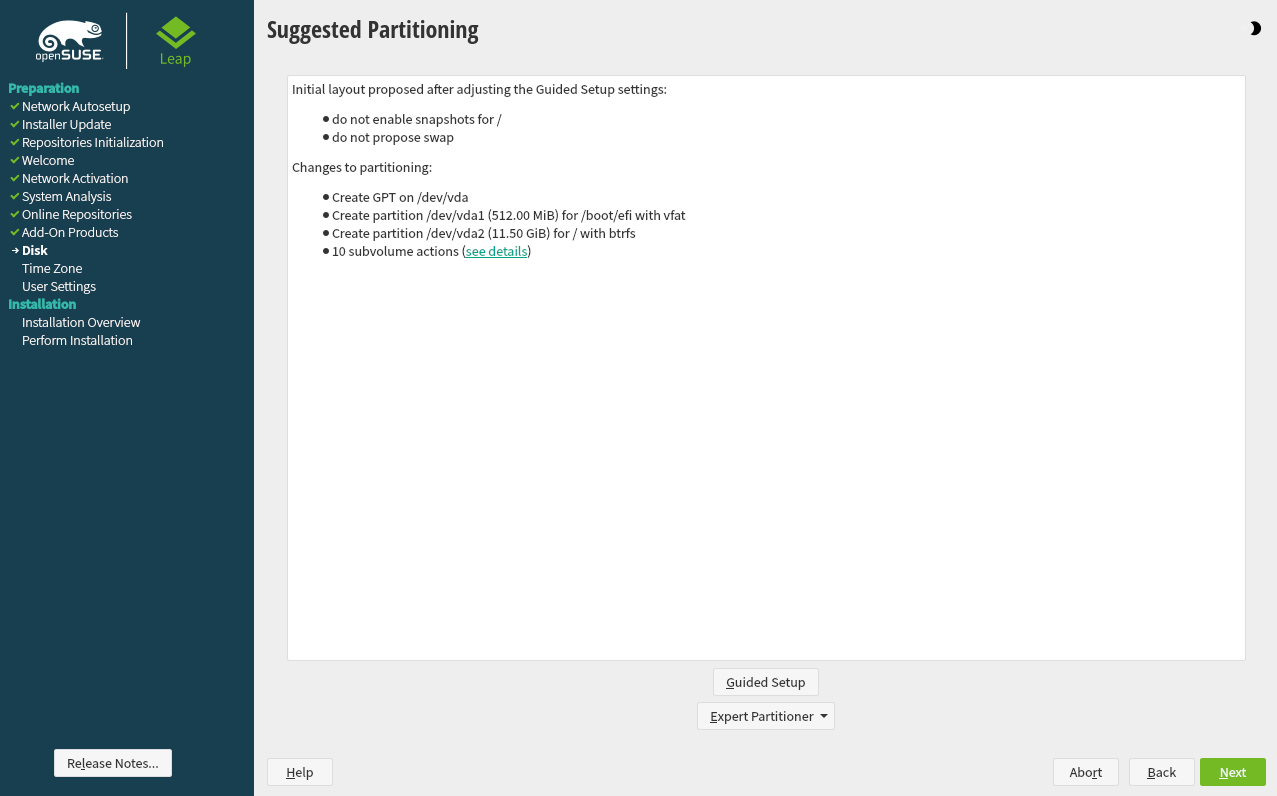
After fresh installation of Tumblweed from DVD the ‘suspend’ function now works. Incidentally, the swap partition remains at 2 GB (on 240 GB SSD), because the installation process seemed not to offer an option to adjust the partition sizes.